Jira
Setting up
How it works
The Jira connector pulls in all tickets from the specified projects with a limit of 800 tickets.
For every Jira issue this connector will pull:
- Title
- Description
- Common fields (like assignee, reporter, status, priority)
- Comments
Authorization
-
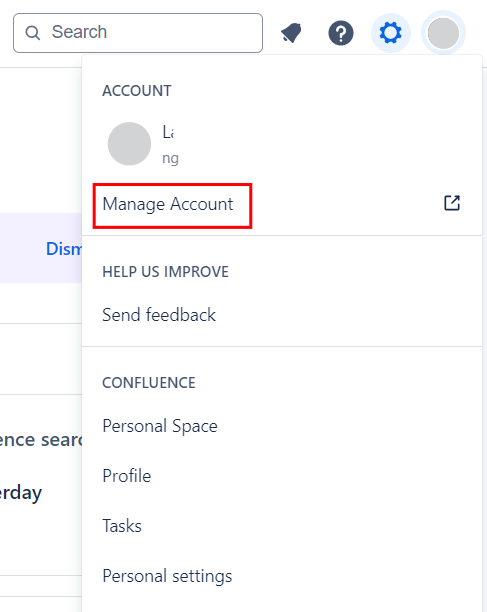
Log into Jira Software and click your profile image and select Manage Account from the menu.\
-
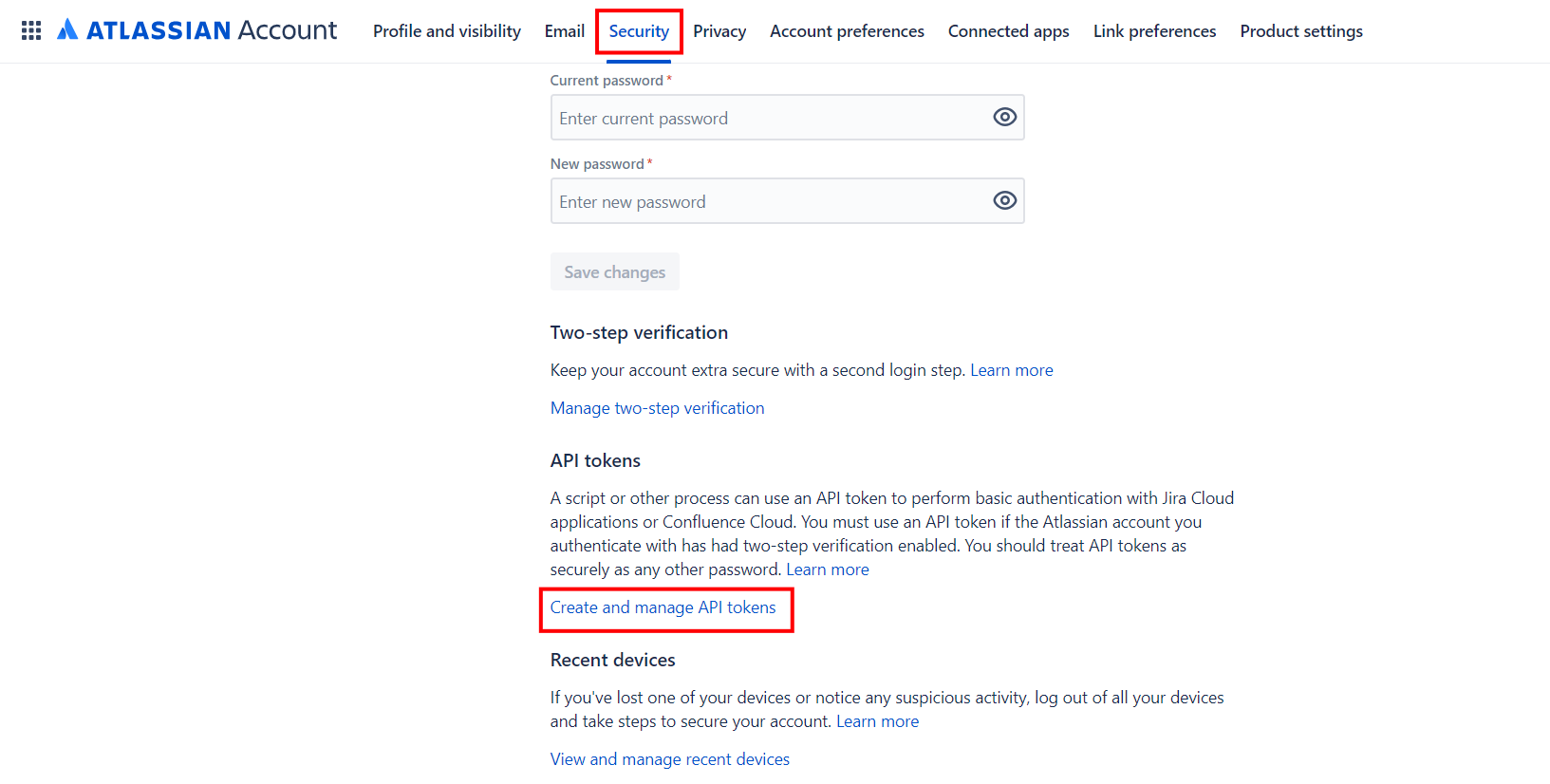
Navigate to Security and click Create and manage API tokens.\
-
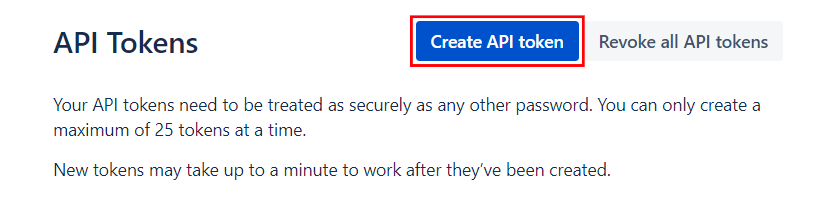
Click Create API token.\
-
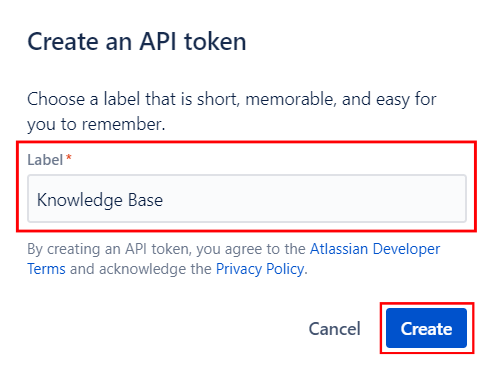
Enter a Label and click Create.\
-
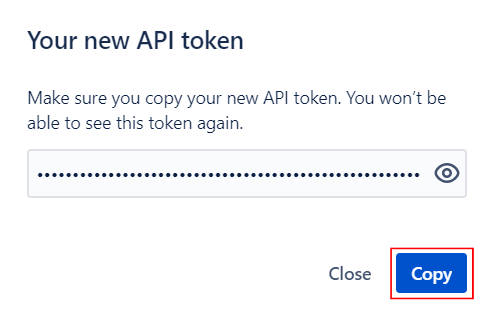
You can copy the token to clipboard.\
Username is the user's email address.